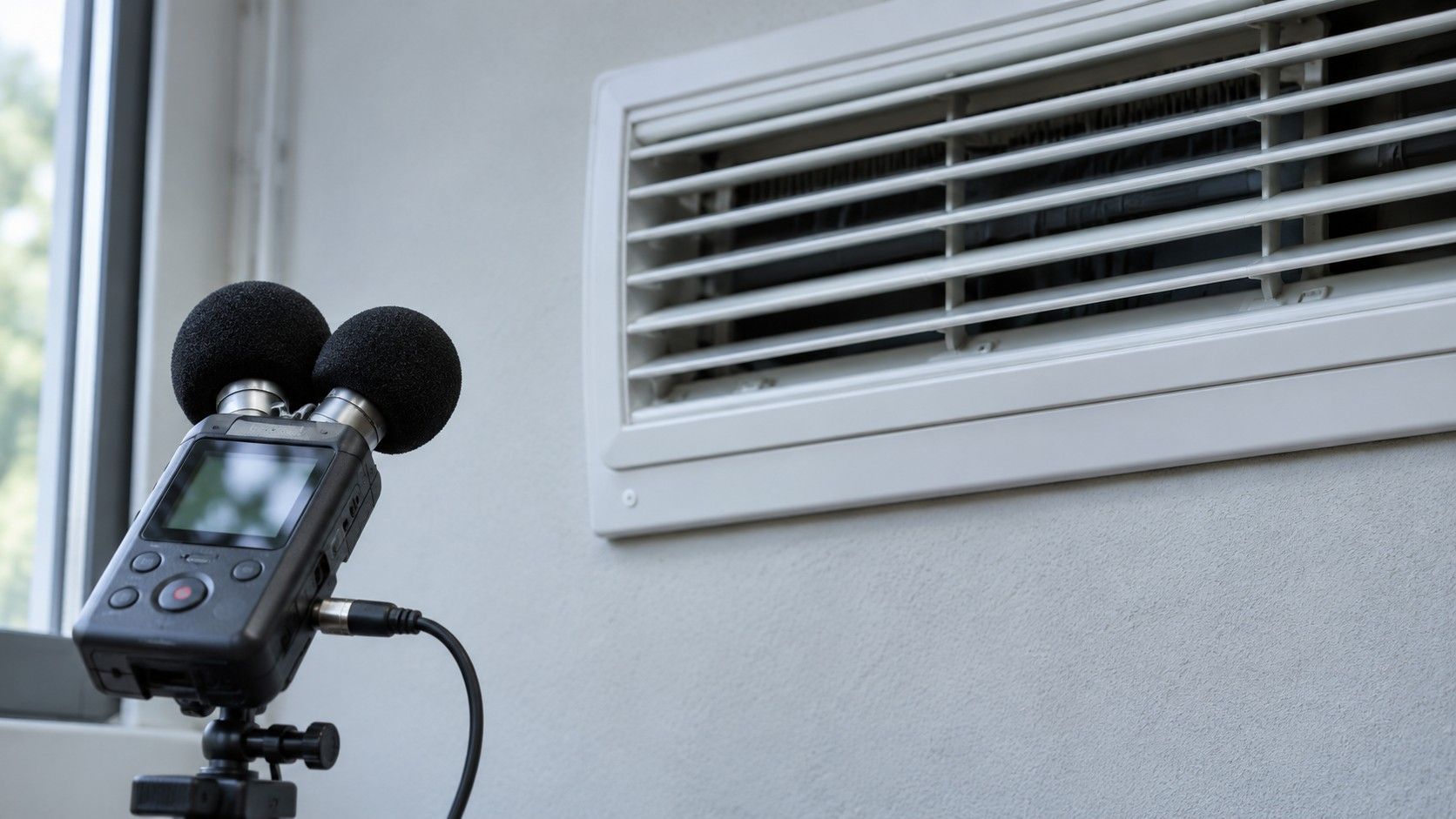
A recorder shifts during a live take and a short scrape jumps out of an otherwise convincing performance. Removing the sound can help; removing the space around it can make the edit more obvious than the scrape. Mark the exact moment, identify what moves with it and compare the surrounding recording before treating anything. A successful repair preserves the sense of place, rather than leaving a conspicuously tidy hole in the middle of a live room.
Recognize changes tied to microphone movement
Replay the event starting well before it occurs. A hand moving on a microphone body can produce a dull bump followed by a faint scrape. Fabric brushing a windscreen can produce a series of irregular strokes, while a cable shifting against a stand might give a short knock. Those are clues, not signatures that identify an event with certainty. A quiet cymbal brush, a muted guitar strum or a footstep in the crowd can sound similar without belonging to the microphone.
Mark when the noise starts, what it overlaps and when the surrounding image returns to normal. If the event coincides with an abrupt change in perspective, like one side turning away from the stage, the recording may need two decisions: whether to reduce the scrape, and whether to leave a documented change in microphone position. Reducing some noise will not automatically restore the previous perspective. Compare the actual stereo image on either side of the event before trying to make the affected instant sound like earlier audio.
If another room or camera recording of the same event exists, compare it at the same audible landmark. A noise heard from both viewpoints might have occurred in the room; one especially prominent on a close input might have reached that recorder by contact. Those checks narrow the cause, but the final question is simpler: does the noise distract in the intended take? Save the untouched recording and any alternate perspectives before attempting a repair.
Separate the rustle from room and crowd sound
Listen to the event alone and then in a continuous passage. A single dry scrape over a held chord can be distracting while nearby audience movement may simply describe the room. Take note of the atmosphere in the seconds immediately beforehand: airflow, distant reactions, instrument decay and reflections give the two sides of an edit a common sound. If a repair removes all of that for a fraction of a second, the abrupt return of the room can be easier to hear than the original noise.
Use a waveform or spectrogram to find the time boundaries, not to decide what belongs. Handling noise can spread through a broad range of frequencies or show more low-frequency energy where vibration reached the microphone body. Nearby percussion or applause may fill the same area. Inspect a few other similar passages and listen to the feature with the display hidden. If the event is simply an expected drum accent accompanied by room response, a cleaner picture would not be a musical improvement.
Check each channel through the same monitoring path when stereo placement matters. A scrape in the right channel may occur with undisturbed music on the left, but the left could have its own unique information. Do not assume the quieter side is a complete substitute. Identify which details are present where: a vocal might remain centered, while the cymbal and crowd are very different. This informs the scale of the repair without treating every sound artifact as a shared problem across both channels.
Choose a repair for only the exposed region
Start with a duplicate or a reversible clip edit. For a scrape that falls in a gap without a note or word, try a shallow gain dip with smooth boundaries, then compare the continuity of the room. If the scrape is very short and you can isolate it without touching the main performance, a local spectral edit may let you reduce the most distracting part while keeping the surrounding sound. Use a modest first pass and mark the section it affects; avoid correcting nearby audience movement just because it is visible.
If you have a clean alternate microphone or take, a small patch can work when the underlying musical event and room position agree. Align it around a clear landmark, compare at similar perceived level, and leave handles on both sides. An alternate view that is close to the stage may not match a distant field recording even if it captured the same event. The transition has to sound consistent. Do not copy an unrelated ambient sample into the middle of a musical note and expect it to preserve the note's decay.
| Where you hear the rustle | First edit worth testing |
|---|---|
| In a pause with steady ambience | A small local reduction with edges that preserve the room |
| Over one isolated portion of a sustained note | A restrained spectral edit or an aligned compatible alternate |
| Across a foreground attack that belongs to the performance | Compare gentler treatment with leaving it unchanged |
If the rustle overlaps the event you want to keep in both time and frequency, there may be no transparent removal. A light repair that makes it less noticeable is often a better outcome than replacing every affected sample. Audition the edit with the untreated version and check whether the useful attack still has weight. A quiet but hollow patch does not improve the recording merely by having less noise.
Keep the original stereo perspective
When only one channel needs attention, compare the local edit with both channels playing. A dip on one side may pull the image sideways; an equal dip on both can collapse a room moment that was otherwise clear. Test each choice against a version with no fade. If you need to change both sides, keep their relative balance where possible and maintain the start and end positions of any edit across the pair.
Take care when filling one side with a copy of the other. That can briefly narrow the image or change the balance of near and far sounds. Consider a more modest gain change or a patch from a separately recorded, compatible perspective. When using an overlap, listen for double attacks or a hollow tone that can result from summing slightly offset versions. Check in mono once as a diagnostic, but do not optimize the stereo edit only for the mono sum unless that is the intended delivery.
If the handling event also changed the mic position, do not force the whole recording into one static width or level. A live perspective can evolve naturally; the problem is a distracting intervention, not necessarily every difference in sound before and after it. Preserve any intentional shift that makes musical sense. Record what you changed so a future editor can tell which small interval was repaired and which perspective belonged to the original capture.
Compare a continuous playback
Start several seconds before the edit and play into the following passage at ordinary level. Alternate with the original at a similar gain. Listen once for the rustle, then for the performance and room without watching the markers. If the sound is less noticeable but the edit calls attention to itself as a sudden drop in ambience, reduce the amount or choose another boundary. A loop can tell you that a click is gone; it cannot tell you whether the audience now sounds as if it vanished between two notes.
Reopen the intended export, check both channels, and listen to the repaired passage once through. Keep the original and editable settings alongside the approved version. If you can follow the performance without being pulled toward either the original scrape or the patch, leave the surrounding room alone. The restraint is what makes a local repair compatible with a live recording.